
GET STARTED
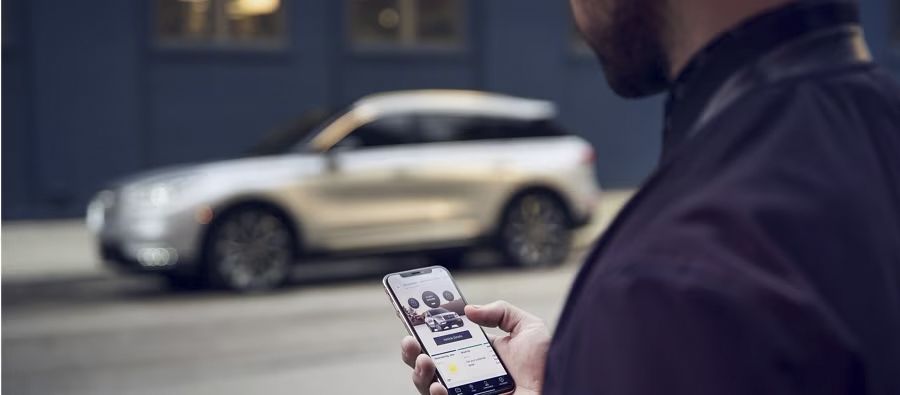
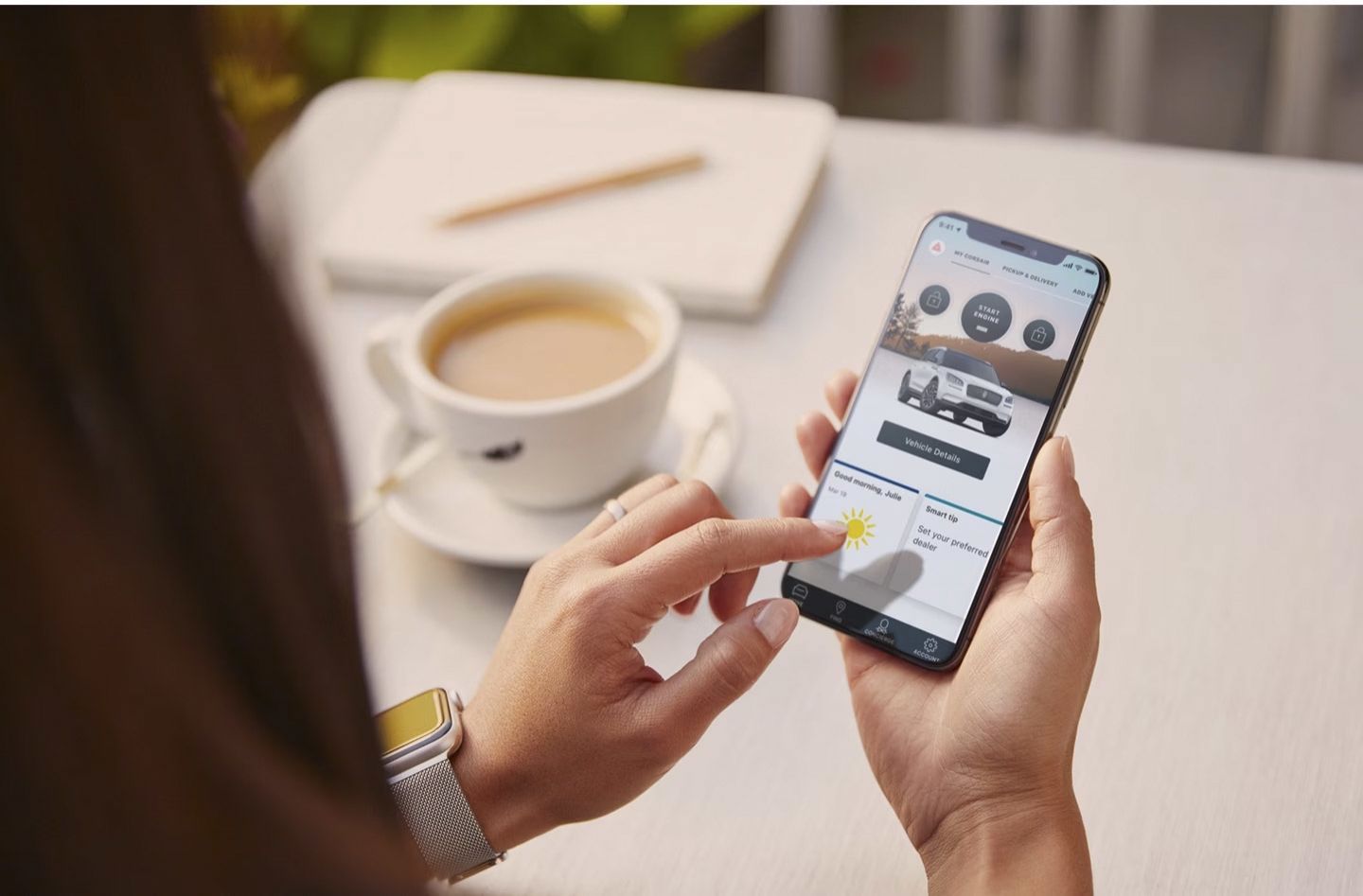
Lincoln App is compatible with all Lincoln vehicles equipped with Lincoln Connect™112. Here’s how to get started:
1 . DOWNLOAD LINCOLN App92
2. CREATE ACCOUNT OR LOG IN
3. ADD LINCOLN CONNECT-EQUIPPED VEHICLE
- Add a vehicle to Lincoln App by scanning the VIN (Vehicle Identification Number) barcode, and then assigning a vehicle nickname
- You can also manually type in your VIN to add the vehicle
4. ACTIVATE LINCOLN CONNECT-EQUIPPED VEHICLE
- To begin the activation process, simply press Activate Vehicle on the Home screen and follow the steps to continue the process In-Vehicle
- Start the vehicle and touch Allow on the in-vehicle touchscreen pop-up. This enables access to remote features and vehicle location